How to Verify PDF File Integrity Using SHA256 Checksums: A Complete Guide
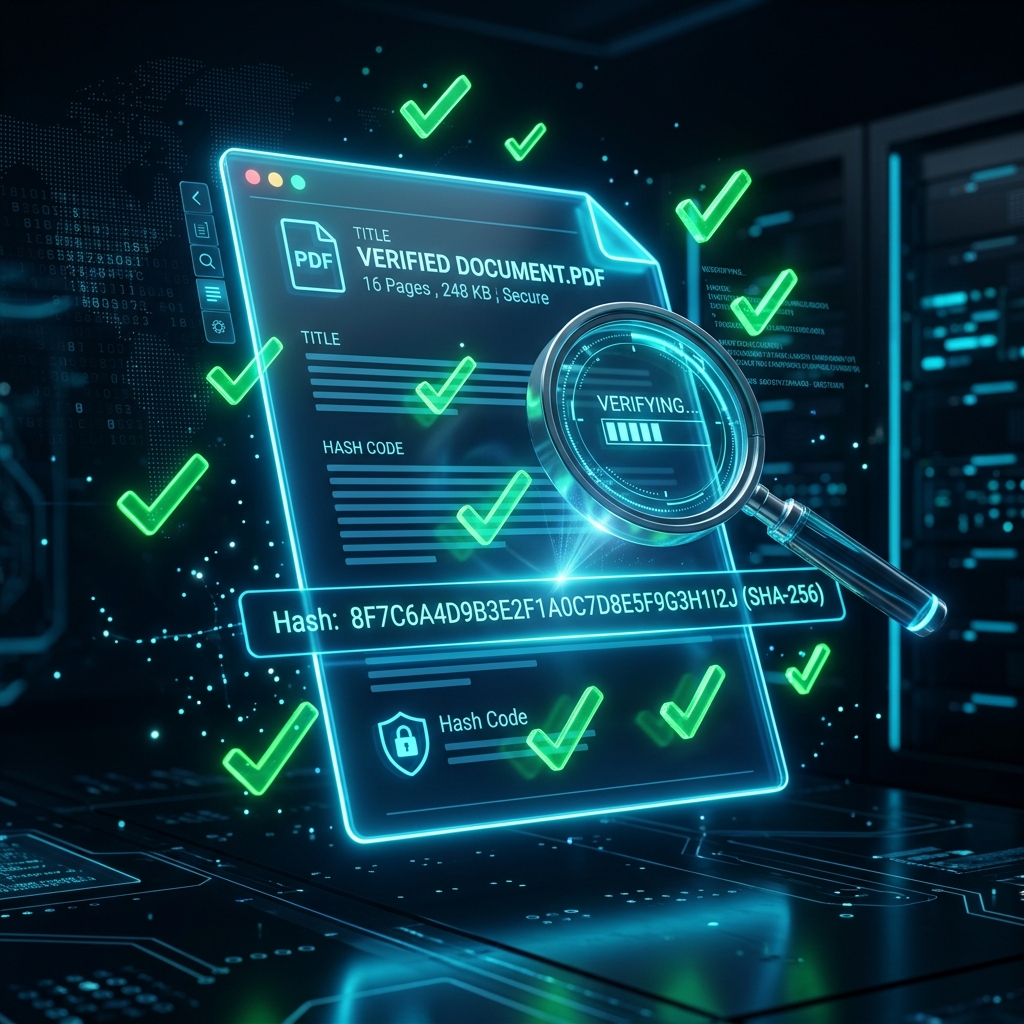
When dealing with digital contracts, official government forms, software documentation, or high-value financial invoices, authenticity is everything. In the digital realm, modifying a document leaves no visual tears, eraser marks, or white-out. A bad actor can seamlessly alter a single digit in a PDF bank routing number or change the decimal place on an invoice total, and the resulting file will look absolutely identical to the naked eye.
So how do you guarantee that the PDF you received is the exact same file that was originally created by the sender?
You can't rely on the file name. You can't rely on the file size (which can easily be spoofed). You can't rely on the creation date. The only mathematically guaranteed way to prove a file's authenticity is through cryptography, specifically SHA-256 Checksum Verification.
In this comprehensive guide, we will break down what cryptographic hashes are, why tampering detection is mandatory for high-stakes document management, and how you can verify any PDF file natively and securely right on your own computer.
Part 1: What is a Cryptographic Checksum?
A checksum (often referred to as a "hash") is essentially a digital fingerprint for a file. It is the result of running a complex mathematical algorithm over every single byte of data within a file's binary structure.
Imagine taking all the 1s and 0s that make up a PDF file and pouring them into a massive mathematical funnel. At the bottom of the funnel, out drops a long, unique, fixed-length string of letters and numbers.
For example, a SHA-256 hash looks like this:
8d969eef6ecad3c29a3a629280e686cf0c3f5d5a86aff3ca12020c923adc6c92
Because of the extreme mathematical precision of cryptographic hashing algorithms (such as MD5, SHA-1, and the current gold-standard SHA-256), a few universal laws apply:
- Deterministic: The exact same file will always generate the exact same hash, no matter which computer calculates it.
- Avalanche Effect: If even a single pixel in an image, or a single letter in a 500-page document is changed, the resulting hash will change completely and radically. There is no such thing as a "similar" hash. It is either an exact match, or entirely different.
- One-Way Function: It is mathematically impossible to take a hash string and reverse-engineer the original PDF document from it.
Part 2: Real-World Scenarios—Why Tamper Verification Matters
If you are just sharing a meme or a lunch menu, document integrity hardly matters. But let's look at enterprise and legal scenarios where checksum verification is vital.
Scenario A: Invoice Fraud (Business Email Compromise)
A contractor emails your accounting department a PDF invoice for $50,000. During transit through an insecure email server, a hacker intercepts the PDF. They open the PDF, cleanly edit the wire transfer routing number to point to their own offshore account, and forward the newly modified PDF onto your accounting department. Visually, the file looks identical. The letterhead matches. The sum matches. You would pay the wrong account, losing the money forever.
The Hash Solution: The contractor publishes the official SHA-256 hash of their invoice on their secure client portal, or sends the hash over an encrypted Signal message. When accounting receives the email, they run the PDF through a hash generator. The resulting hash completely misaligns with the one the contractor sent. Accounting immediately knows the file was tampered with en route.
Scenario B: Legal Contract Disputes
You sign a multi-year commercial lease agreement and receive the finalized PDF via a Dropbox link from the landlord. Two years later, a dispute arises regarding a termination clause. You open your saved PDF, and the landlord opens theirs—but the clauses are slightly different. Who is telling the truth? Was the file modified post-signing?
The Hash Solution: Upon signing, both parties calculate the SHA-256 hash of the final PDF and include that specific hash string inside the email chain cementing the deal. Two years later, the hash proves beyond a shadow of a doubt whose PDF file is the unaltered original.
Part 3: The Danger of "Online" Checksum Calculators
If you google "Check PDF Hash" or "Calculate SHA256," you will find dozens of free websites ready to help you. Do not use them.
This presents a massive security paradox: You are attempting to verify a highly sensitive, confidential document (like an unreleased patent or a banking manifest). To verify it on an online tool, you must upload the document to a random third-party server.
Uploading confidential data exposes it to:
- Interception during transit.
- Permanent storage on an insecure remote server.
- Potential harvesting by the website owners for data brokering.
Online hash calculators defeat the entire purpose of document security.
Part 4: How to Verify PDFs Natively with LocalPDF
To check a hash securely, the algorithm must run exclusively on your own hardware. The file must never leave your hard drive.
That is why we built the LocalPDF Hash Verifier. Utilizing modern Web Cryptography APIs, our application generates complex SHA-256 signatures entirely inside your browser's local execution environment. Your file is analyzed directly by your local CPU.
Step-by-Step Guide
- Open the Tool: Navigate to our Verify PDF Hash utility.
- Disconnect from the Internet (Optional): To prove that no data is being sent, you can literally turn off your Wi-Fi after the page loads! The tool will still function flawlessly.
- Select your PDF: Drag and drop your file into the interface. Wait a brief moment as the browser analyzes the binary state of the file.
- View the Hashes: The interface will instantly output three cryptographic signatures:
- MD5: Fast, but considered legacy. Useful for checking basic file corruption.
- SHA-1: Highly prevalent but cryptographically outdated.
- SHA-256: The modern gold standard required by government and banking sectors.
- Match and Verify: Compare the generated SHA-256 hash string to the one provided by your trusted source. If every character matches perfectly, the integrity of your file is cryptographically guaranteed.
Part 5: Frequently Asked Questions
Q: Can a hacker alter a PDF but keep the same SHA-256 hash? A: No. In cryptography, this is known as a "collision." While collisions have theoretically been achieved in ancient algorithms like MD5, producing a deliberate collision in SHA-256 is currently considered mathematically impossible with modern computing power. The universe would likely end before a standard computer could brute-force a SHA-256 collision.
Q: If I rename a PDF file, does the hash change? A: No! The hash is generated based solely on the internal byte content of the file file. You can change "Invoice_v1.pdf" to "Scam_Invoice.pdf" and the SHA-256 hash will remain completely identical.
Q: What if I open the PDF and just hit "Save" without changing any text?
A: In many cases, the hash will change. When some PDF reader software (like Adobe) opens a file and hits save, it rewrites internal metadata bytes (such as the LastModifiedDate), which radically changes the file's binary footprint. This is why you must hash the exact, untouched source file.
Conclusion
Cryptographic verification is the ultimate lie detector test for digital documents. Verifying an important file takes less than 3 seconds, but provides absolute mathematical certainty in a world full of digital forgery.
Integrate cryptographic checksums into your high-stakes digital workflow today, and start verifying your documents safely with LocalPDF.
Ready to take control of your documents?
Use LocalPDF to merge, compress, and edit PDFs — 100% offline, 100% private.
Try LocalPDF NowHow to Deskew and Straighten Scanned PDFs Automatically: The Ultimate Guide
Fix crooked document scans permanently. Learn the technical causes behind skewed PDFs, why it destroys OCR functionality, and how to deskew PDFs safely and securely straight from your browser.
How to Redact Sensitive Information in PDF Documents: The Ultimate 2026 Guide
Learn how to permanently and securely redact sensitive data from PDF files. We cover why drawing black boxes is dangerous, how PDF text layers work, and how to permanently scrub confidential data natively.