How to Deskew and Straighten Scanned PDFs Automatically: The Ultimate Guide
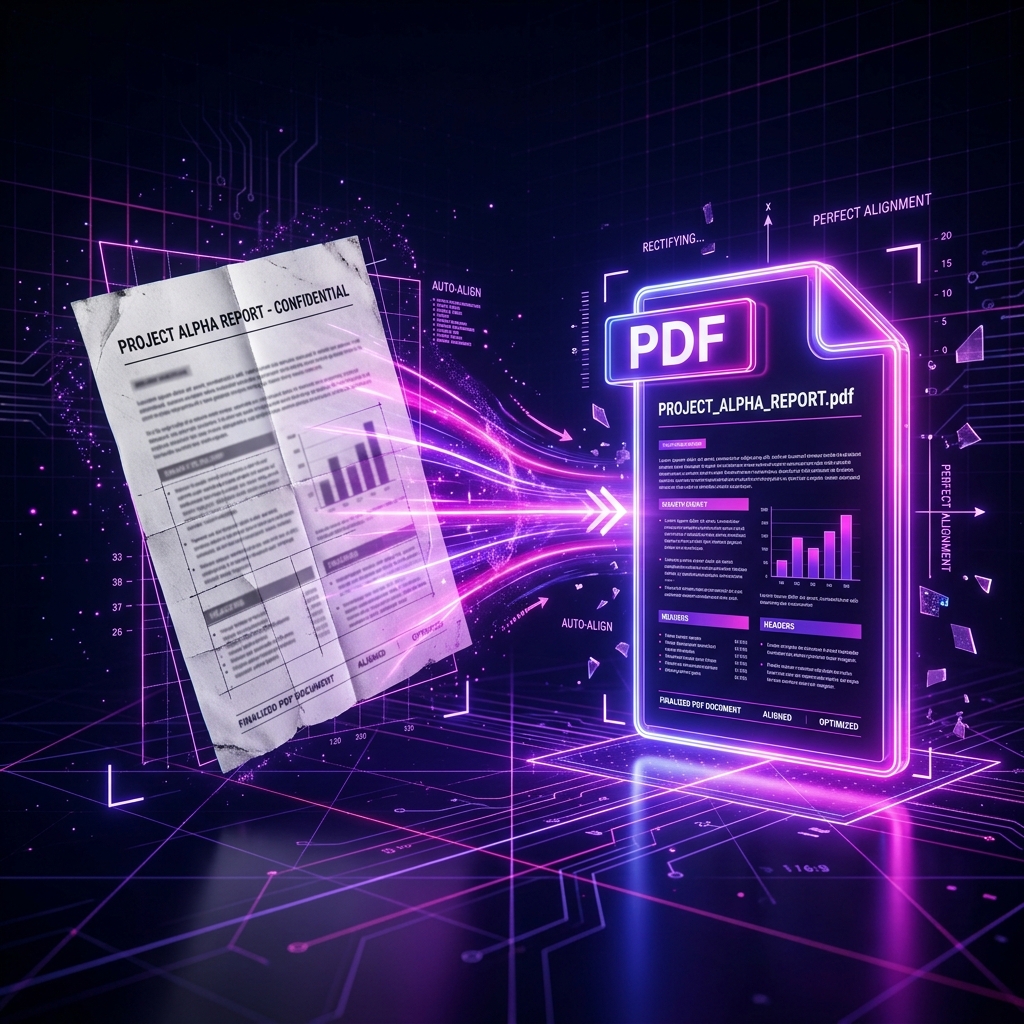
We have all experienced it. You spend twenty minutes scanning a massive stack of vital physical documents—tax returns, legal depositions, an arched textbook, or historical archives—only to sit down at your computer and realize half the pages were fed into the scanner at an awkward, crooked angle.
Reading slanted text is incredibly frustrating for human eyes, and it looks highly unprofessional when distributing files to clients or colleagues. But more importantly, skewed documents completely destroy the functionality of automated corporate software.
Fixing these crooked pages is a process known in the digital archiving world as deskewing. Thankfully, you no longer need a $500/year enterprise desktop subscription to achieve perfectly aligned PDFs. In this deep dive, we will explain the mechanics of document skew, why cloud-tools are a disaster for image processing, and how you can auto-align your files completely offline.
Part 1: The Mechanics—What Causes Document Skew?
Skewing happens during the physical translation of paper into a digital medium. It rarely happens with native digital PDFs (like a file exported directly from Microsoft Word). It is entirely an artifact of physical scanning.
There are two primary culprits:
- The Asynchronous ADF Feed: Automated Document Feeders (ADFs) atop large office printers pull paper through using rubber rollers. If one roller pulls 1% faster than the roller on the other side, or if the paper tray guides aren't flush, the paper is dragged across the imaging sensor diagonally.
- The Spine Curve (Flatbeds): When archiving books or thick manuals on a flatbed glass scanner, the spine prevents the pages from sitting flat. This introduces a 3D curve that translates into a 2D digital skew on the final PDF page.
In digital imaging terms, skew is measured by the degree of rotational deviation from a perfect 0° horizontal alignment. For context, a skew of just +2.5° is enough to make a full page of dense legal text look horribly misaligned and difficult to read.
Part 2: Why Skew Destroys OCR (Optical Character Recognition)
Optical Character Recognition (OCR) is the software technology that allows your computer to read a flat image of a page and extract the text. It allows you to search for keywords (CTRL+F) inside a scanned document.
Modern business relies entirely on OCR. Accounting software auto-reads invoice totals, legal software auto-catalogs discovery documents, and HR software auto-parses resumes.
Skew breaks this completely.
OCR software works by looking for "baselines"—imaginary horizontal lines that words sit on. It then scans right-to-left across that horizontal pixel line. If a page sits at a +3.0° skew, the OCR software attempting to read a long sentence horizontally will eventually slice right through the middle of the words. It might read the top half of an "H" and think it is an "I".
A high-quality OCR engine requires a skew of less than 0.5° to guarantee 99% accuracy. Therefore, deskewing is not just an aesthetic luxury; it is a mandatory prerequisite for modern document archiving.
Part 3: The Problem with Cloud-Based Deskew Apps
If you want to deskew a file today, most people search for a free website. However, cloud-based image manipulation websites suffer from catastrophic flaws.
1. Massive Bandwidth Limitations
Scanned PDFs are notoriously huge. A 50-page high-resolution 600DPI colored scan can easily exceed 250 Megabytes. Attempting to upload a 250MB file to a free online web tool will take an eternity. Furthermore, many free sites hard-cap maximum uploads at 10MB or 20MB, completely rejecting large archives.
2. Slow Queue Processing
Once uploaded, your file sits in a remote server queue. Applying localized machine-learning rotation algorithms to 50 giant images is computationally expensive. You are often forced to stare at a loading bar for 15 minutes while the server churns through your data concurrently with thousands of other users.
3. Total Loss of Privacy
Are you scanning your tax returns? Your passport? Confidential legal notes? To use a cloud tool, you must transmit those highly sensitive scans to an unverified third-party company in a foreign jurisdiction. They are likely logging your data.
Part 4: The LocalPDF Advantage—Instant Local Hardware Rendering
By utilizing modern Canvas APIs and deep WebAssembly (Wasm) architecture, LocalPDF allows you to deskew documents entirely locally.
Using our free Deskew PDF Tool, you can straighten out entire booklets without a single megabyte of data ever leaving your laptop. Because there is no upload, the file size limit is dictated entirely by your computer's local RAM capacity, not a server's artificial restriction!
How To Perfect Your Documents in Seconds:
- Load the Application: Head over to our designated Deskew PDF application. The application is a static Progressive Web App, meaning once it loads, it can function completely offline.
- Import your Scans: Drag your crooked, massive PDF onto the browser viewport. It loads instantly because it is just transferring into your local memory.
- Automated Baseline Analysis:
- LocalPDF utilizes an advanced, client-side algorithm to analyze the text baselines.
- It performs edge-detection on paragraph blocks to identify the exact mathematical median angle of rotation for each page independently. (It knows Page 1 might be skewed +2.1°, while Page 2 is skewed -1.5°).
- Instant Counter-Rotation: The software applies a perfect, high-quality bi-cubic internal rotation filter to counteract the skew precisely, resolving every page into a geometric 0° horizontal alignment.
- Export the Fixed File: Click download. Your pristine, straightened document is regenerated instantly to your downloads folder.
Conclusion
A crooked, skewed PDF is a technical and professional liability. With LocalPDF, you don't need expensive Adobe subscriptions, and you don't need to risk your privacy on slow, predatory cloud websites.
Maintain complete control over your sensitive archives and fix your documents at blazing local speeds. Start deskewing your PDFs safely right now with LocalPDF.
Ready to take control of your documents?
Use LocalPDF to merge, compress, and edit PDFs — 100% offline, 100% private.
Try LocalPDF NowHow to Verify PDF File Integrity Using SHA256 Checksums: A Complete Guide
Has your PDF file been tampered with? Learn exactly what a cryptographic checksum is, how hash verification works, and how to verify if a crucial document retains its original structural integrity.
How to Redact Sensitive Information in PDF Documents: The Ultimate 2026 Guide
Learn how to permanently and securely redact sensitive data from PDF files. We cover why drawing black boxes is dangerous, how PDF text layers work, and how to permanently scrub confidential data natively.